Tap record after it happens.
Every camera app records the future. This one records the past. Blinkback keeps the last two minutes rolling — tap after the moment, say “Blink it”, or tap your Apple Watch, and the clip already has it.
iOS 15 or later.
You weren't filming. The clip still has it.
Your camera now has a rewind button.
While the camera is open, Blinkback holds the last 1–120 seconds in a rolling buffer. Nothing is saved until you say so.
Open the camera
Prop the phone or hold it. The buffer starts filling the moment the viewfinder appears — set it anywhere from 1 to 120 seconds.
The moment happens
The goal, the first steps, the landed trick. You were watching, not filming. That's fine.
Tap after
Tap the button, say “Blink it”, or tap your Apple Watch. The clip starts in the past and keeps rolling until you stop. One smooth video, straight to Photos.
Built for the sideline, the gym and the range.
The counter in the corner shows how far back you can reach right now. Slow-mo, zoom and the telestrator pen are one tap away.
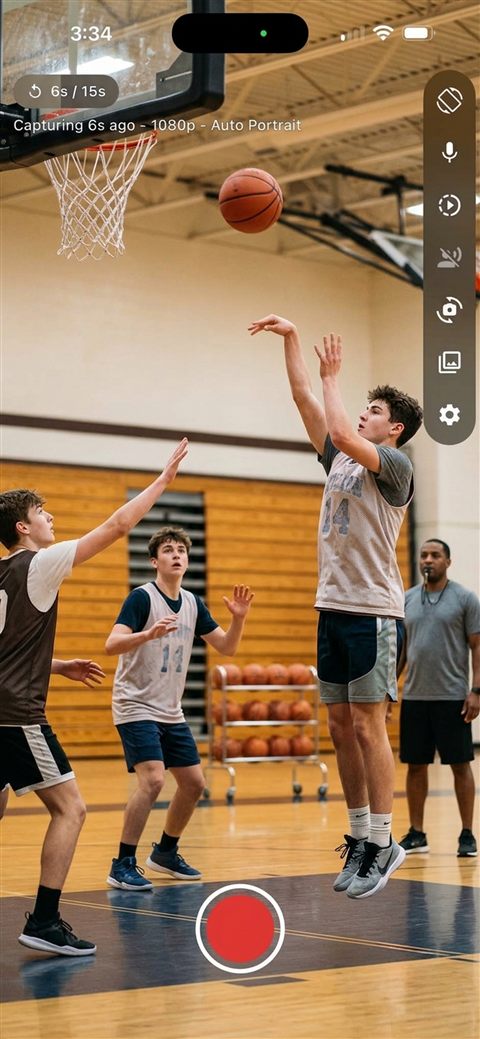 Reach back before you even tapped
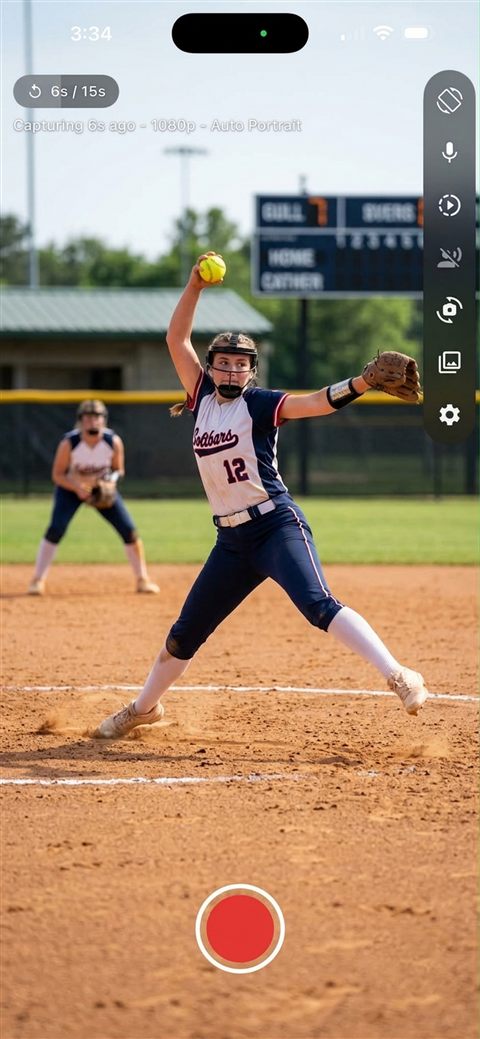 Auto orientation, 1080p or 4K
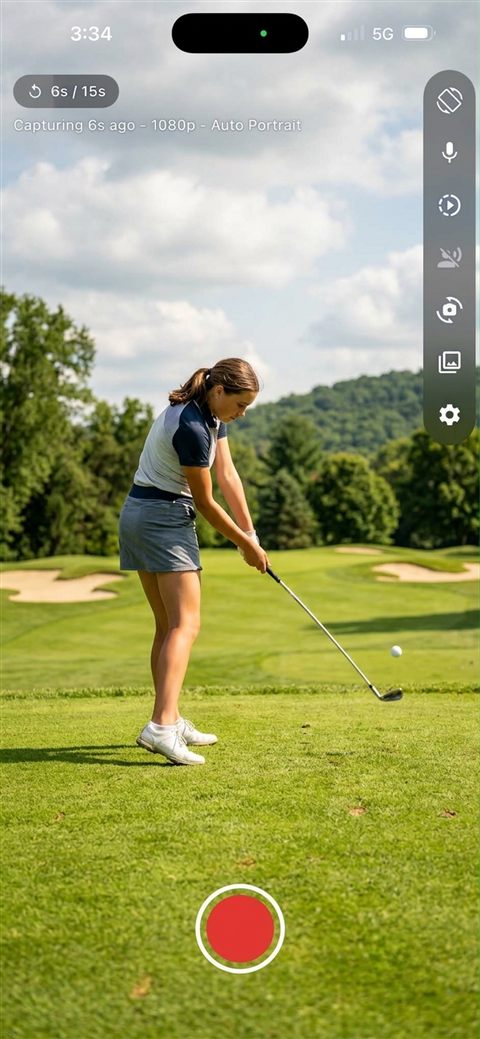 Slow-mo at 120 or 240 fps
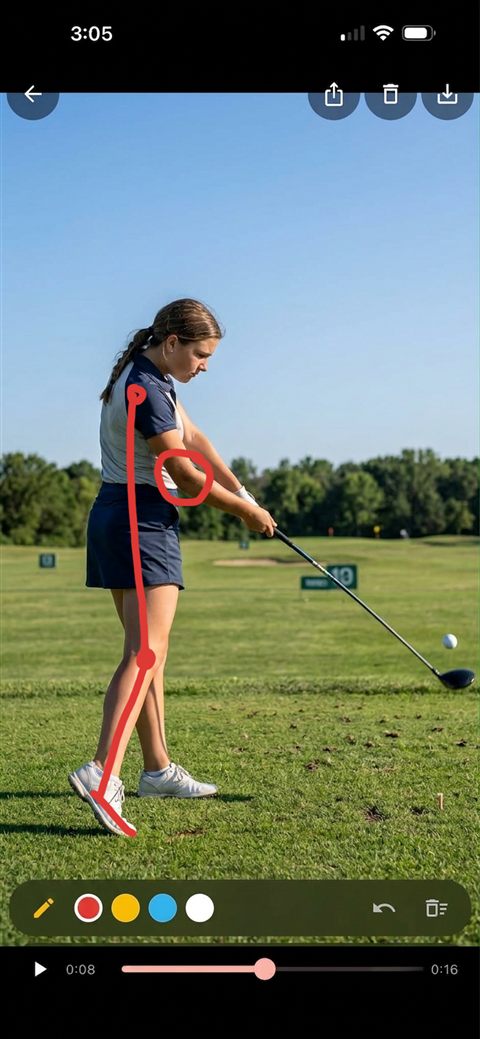 Draw on the frame with the pen
Everything is unlocked from the first save.
Up to 120 seconds back
A continuous dial with 15, 30, 60 and 120-second presets. Two overlapping recordings mean a clip never crosses a file boundary — what you saw is what you saved.
“Blink it.”
Say it and the clip saves itself; “Blink stop” ends it. Works with “Hey Siri, Blink it” too. Speech runs on the phone.
Tap your wrist
The Watch app is a remote for the camera on your iPhone: clipboard in one hand, tap after the play. Same as saying “Blink it”.
120 or 240 fps
Four or eight times slower than real time. Catch the moment, then study it.
Pen, zoom, favourites
Draw over any frame in four colours, pinch to zoom, star the clips that matter. Marked-up frames save next to the clips.
Stays on your phone
No account, no cloud, no tracking. Clips go straight to your Photos library in a Blinkback album.
The play you wanted to show them was already over. Now it isn't.
Tap after the play, slow it down, draw the run, hand the phone to the player. Most coaches buy the monthly for the season and cancel — no annual commitment.
Clubs and leagues: 25 free coaching licences
Running a club this season? Email and we'll send your coaching staff 25 free one-year codes — no placement, no partnership ask. We want coaches using it while the season is on.
Try it first. Then pick a plan or pay once.
Free 7-day trial for new subscribers. Less than an hour of private coaching.
The season pass. Free 7-day trial. Cancel any time.
Prefer to pay once? Own it forever. Not a subscription.
Every install includes 10 free saves with every feature unlocked. Clips under 3 seconds don't count, and deleting a clip within a minute gives the save back. Prices in USD; subscriptions renew automatically unless cancelled at least 24 hours before the period ends, in your Apple Account settings.